Dump and import
Use Dump… and Import… on the explorer toolbar, or Export… and Import… on a table's menu.
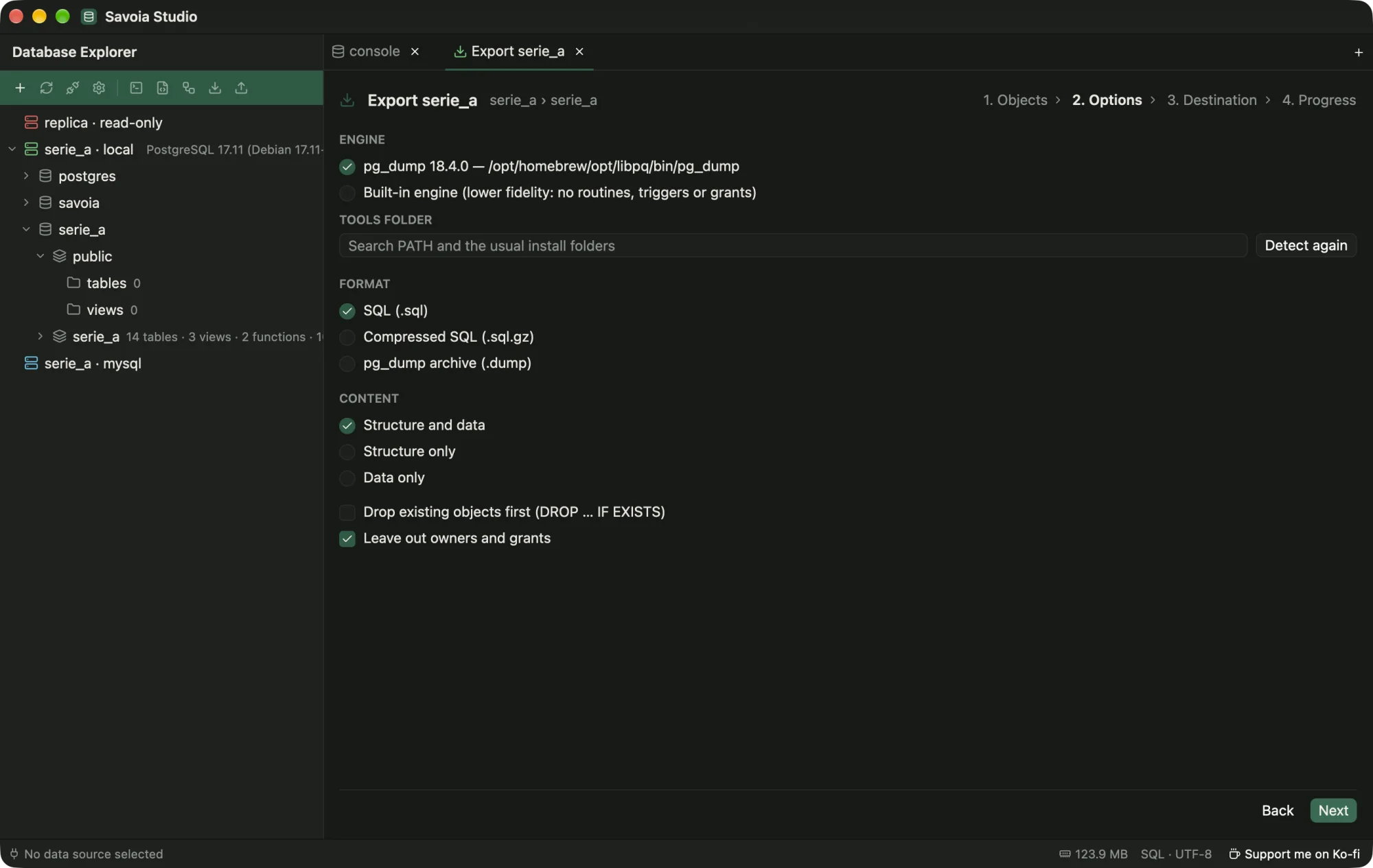
pg_dump on its own.Savoia uses the client tools you already have (pg_dump, pg_restore, psql, mysqldump, mysql). It finds them on PATH and in the usual install folders, such as Homebrew, Postgres.app and the EDB or Oracle installers. If yours live elsewhere, set the folder in Settings › Dump tools. pg_dump must be at least as new as the server, and Savoia warns when it isn't.
With no usable tool, the built-in engine writes plain SQL (optionally gzipped) or CSV from one consistent snapshot.
Imports run .sql scripts, including $$ bodies and MySQL DELIMITER blocks, and CSV files with a column mapping. Dumps and imports work through SSH tunnels too.