Browse and edit data
Right-click a table and choose Open data to browse it without writing SQL.
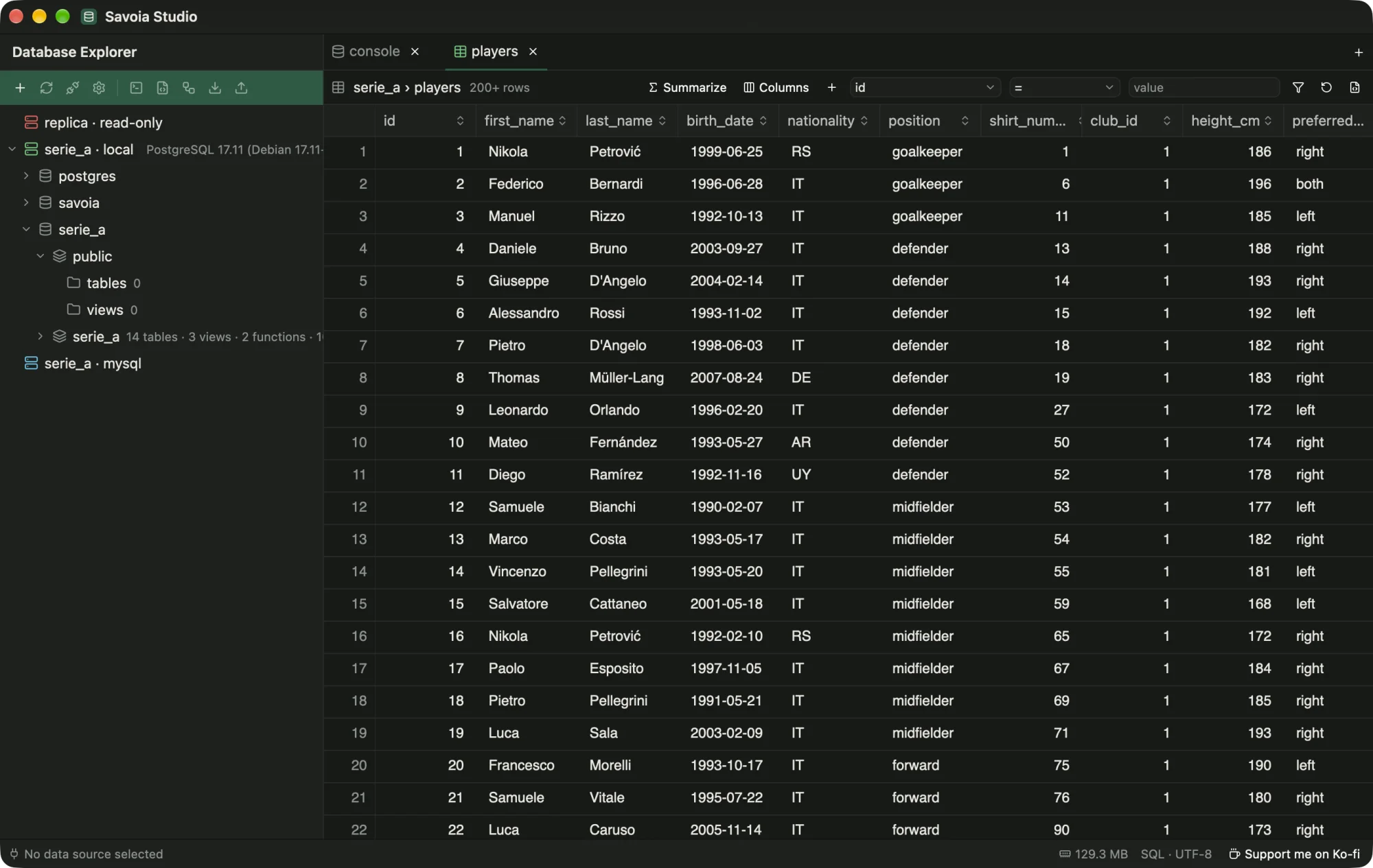
serie_a.players.- Data loads in pages of 200 rows. A header click sorts on the server, and filter chips build the
WHEREclause. - + Column adds values from related tables through foreign keys, or summaries of child rows (count, sum, min, max, avg, list). Join another table… covers relations the schema doesn't declare.
- Summaries group rows and aggregate them. Save as query opens the SQL in a console.
- Edits. Change cells, add rows or delete rows on tables with a key. Pending changes are highlighted. Review SQL shows the statements, Commit runs them in one transaction, and Discard drops them.
- View SQL or Open in console show the query behind the view.